Framelab
Free video and audio tools that run entirely in your browser with WebCodecs: compress, convert, trim, resize, extract audio and add subtitles, with no upload and no watermark.
Architecture
- Tool pages
- 17
- Source: Framelab README: What it does
- Cross-origin requests, asserted by e2e
- 0
- Source: Framelab README: Privacy model
- Playwright browser projects measured
- 4
- Source: Framelab README: Browser support
- Astro 5
- Svelte 5
- TypeScript (strict)
- Mediabunny
- WebCodecs
- transformers.js
- ONNX Runtime Web
- Vitest
- Playwright
- Cloudflare Pages
Hard problems
Edit video with no upload endpoint at all.
Every tool decodes, edits and encodes inside the page, in a dedicated module worker, with Mediabunny and WebCodecs.
Source: Framelab README: Privacy model, Stack
Speech models are large downloads.
Auto subtitles downloads a Whisper model only after the user accepts its size; models come from Framelab's own origin and the offline cache never includes them.
Source: Framelab README: Privacy model
Codec support differs between browsers.
Edge and Chrome use their H.264/AAC encoders for MP4, bundled Chromium offers WebM with a reason, and browsers without WebCodecs get a clear notice.
Source: Framelab README: Browser support
Open a tool, drop in a video or audio file and get the result back: compress it, trim it, turn it into a GIF, pull out the audio or add subtitles. Everything happens on your device, with no watermark and no limits.
Who it helps
People who need to trim, shrink or subtitle a clip and do not want a watermark, a sign-up or an upload.
How it is designed
- Each tool sits above the fold, with "Try a sample file" in every empty tool.
- A before and after size and length summary follows each export.
- "Use the result in another tool" moves the file between tools inside your browser.
- A keyboard shortcuts sheet, light and dark themes, and a reduced-motion path.
Overview
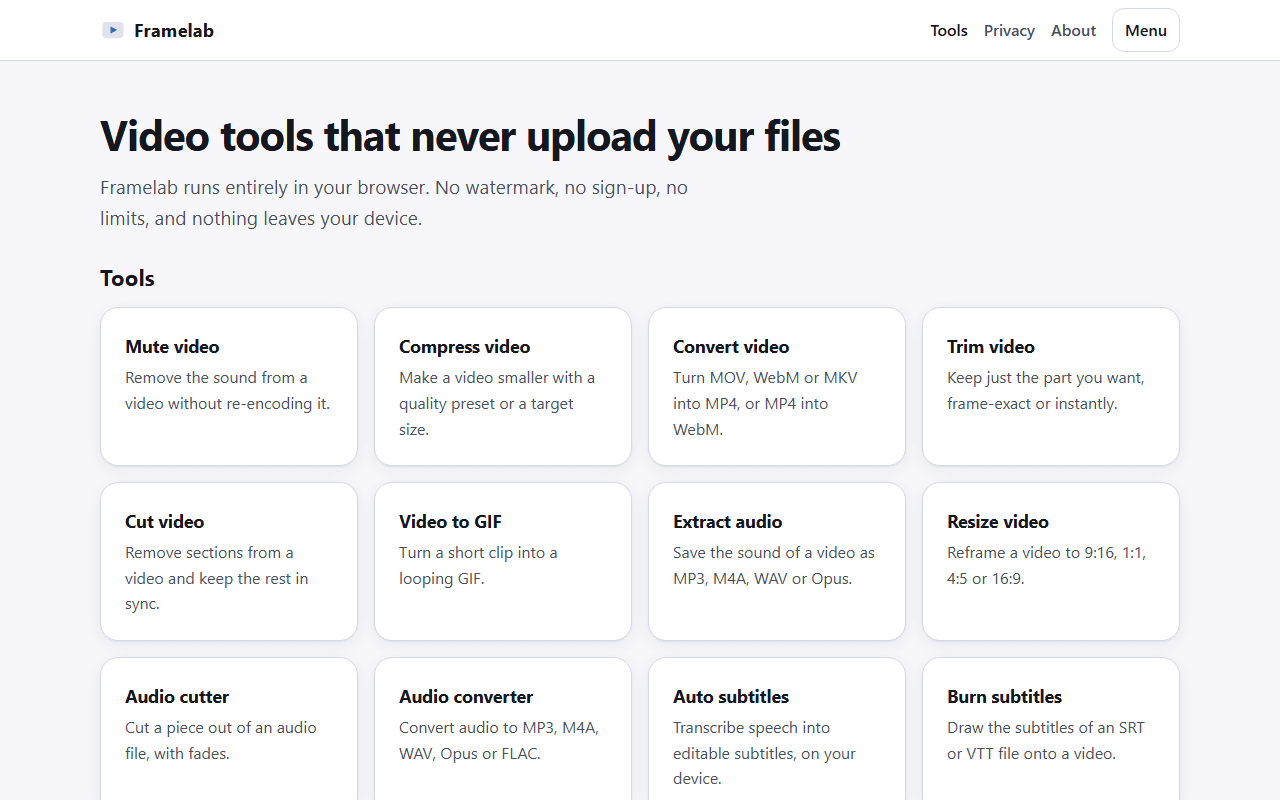
Framelab is a set of free video and audio tools that run entirely in your browser: no upload, no watermark, no sign-up and no limits. Media is read and written on your device with WebCodecs, through Mediabunny. It has 17 tool pages covering video (compress, convert, trim, cut, resize and crop, video to GIF, mute), audio (extract, cut with fades, convert) and subtitles (auto subtitles with on-device Whisper speech recognition, and burning in an SRT or VTT file).
Architecture
- Astro static output with Svelte 5 islands and strict TypeScript.
- Every tool decodes, edits and encodes in a dedicated module worker, using Mediabunny and WebCodecs. Speech recognition uses transformers.js and ONNX Runtime Web.
- A hand-written service worker and sitemap endpoint, with no extra dependencies.
- Cloudflare Pages hosting, with COOP/COEP and a strict hash-based CSP in
public/_headers. - Files move between tools through IndexedDB in your browser and are deleted as soon as the next tool reads them.
Hard problems
- Edit video with no upload endpoint at all. Every tool decodes, edits and encodes inside the
page, in a dedicated module worker (
src/engine/), with Mediabunny and WebCodecs. - Speech models are large downloads. Auto subtitles downloads a Whisper model only after the user accepts its size. Models come from Framelab's own origin, can be deleted from the tool, and the service worker's offline cache never includes them.
- Codec support differs between browsers. Edge and Chrome have the H.264/AAC encoders, so MP4 output uses them directly; bundled Chromium offers WebM with a reason; browsers without WebCodecs get a notice that points to a recent browser.
Trade-offs
- Speech models download only after the user accepts their size. They are kept in the browser cache, and the offline cache never includes them.
- Browsers without WebCodecs get a clear notice instead of a degraded tool.
- Edge and Chrome have the H.264/AAC encoders, so MP4 output uses them directly. Bundled Chromium offers WebM with a reason instead.
Verification
- The CSP is
default-src 'self'withconnect-src 'self', and every page shows a live "0 requests to other sites" badge fed by the browser's own resource timing. - The e2e suite asserts 0 cross-origin requests on every page and after a tool flow.
- Browser support was measured with Playwright on 22 November 2026 on Windows 11. Edge passes everything, Chromium and Firefox pass the cross-browser cases, and WebKit's Windows build has no WebCodecs, so the tool shows its "not supported" notice. Real Safari was not measured.
- The Lighthouse thresholds test is deferred because Lighthouse is not installed yet.
What it does for you
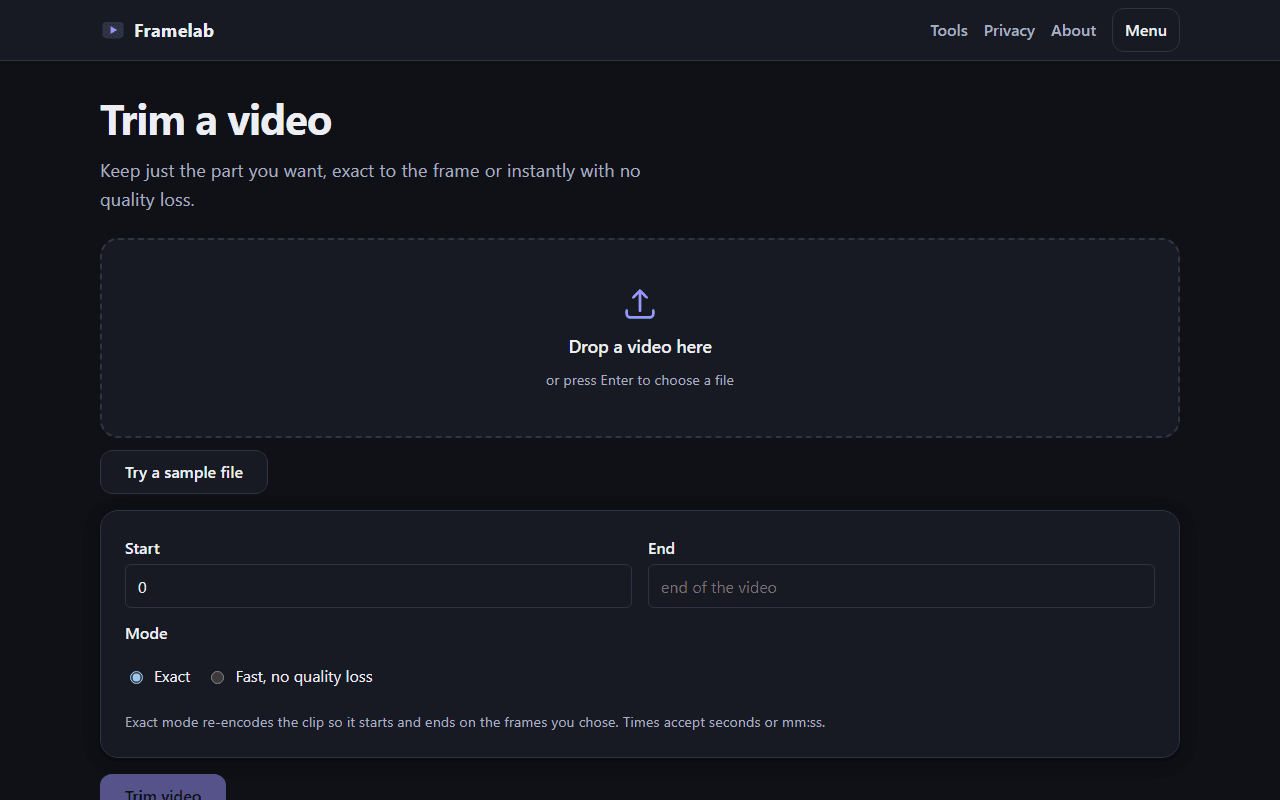
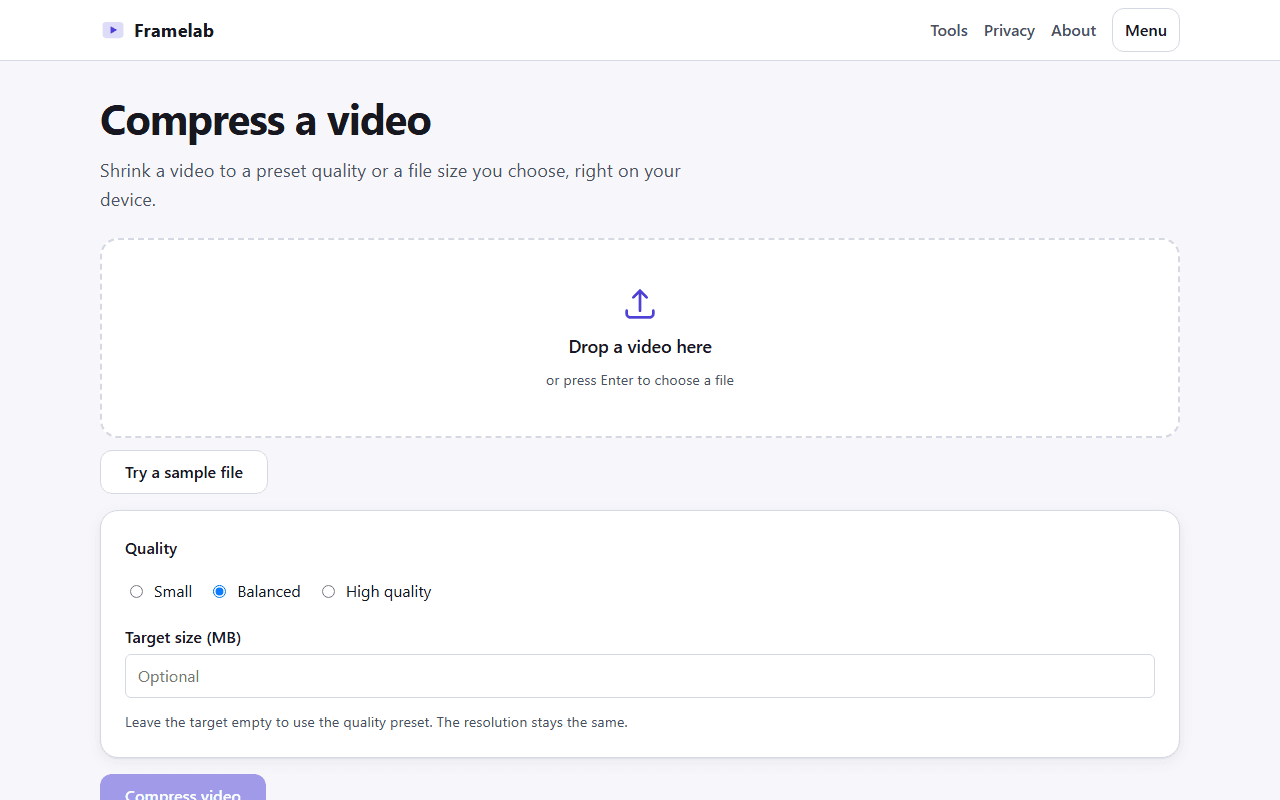
Open a tool, drop in a video or audio file and get the result back: compress it, convert it, trim it, cut out a section, resize or crop it to 9:16, 1:1 or 4:5, turn it into a GIF, mute it, pull out the audio or add subtitles. Everything happens on your device, with no upload, no watermark, no sign-up and no limits.
Who it helps
People who need to trim, shrink or subtitle a clip and do not want a watermark, a sign-up or an upload.
Design notes
- Each of the 17 tool pages puts its tool above the fold, with "Try a sample file" in every empty tool.
- A before and after size and length summary follows each export.
- "Use the result in another tool" moves the file between tools inside your browser.
- A keyboard shortcuts sheet, light and dark themes, and a reduced-motion path.